
SFLetter免费安全邮箱
SFLetter.com创立于2014年,多客户端支持,支持Windows、安卓、iOS和MacOS,因为不支持Linux,所以客户端我只用iPad体验了一下。
其工作原理跟PGP加密、解密几乎一样,大体是这样的:对方收到的加密邮件,邮箱正文为打开查看附件的方法,附件才是真正的“邮件内容”,附件类似PGP的.asec文件,也是加密的但格式为.pcdoc。
邮箱特色
在其官方的FAQ第二个问题“What is the difference between SFLetter.com and other mail services with encryption options”里提及到,“The main difference is that the SFLetter.com service restricts the use of the received message: protected emails cannot be forwarded or captured by Print Screen; attachments cannot be opened and printed on another device”。即,能够保护邮件不被转发或截屏;邮件附件不能在其它设备上打开或打印。
在其官网产品比较中也列出Basic款(免费版)邮箱的特点(在网页端好像很多功能都不能正常使用,或者说具体怎么用我也没弄明白):
-
Email messages and attachments can be accessed only on the device where they were opened for the first time
邮件和附件只能在第一次被打开的设备上访问
-
Opening of secure emails and attachments on another device is prohibited
在其它设备上打开安全邮件和附件是禁止的
-
Printing is prohibited
禁止打印
-
Use of Print Screen and other screen grabbers is prohibited
禁止截屏
-
Email tracking by opening time and receiver’s IP address
邮件追踪可以获取收件人的打开时间和IP地址
除此之外,免费版还包括:
-
Email box size is limited to 500MB
邮箱容量大小为500MB
-
Total number of recipients for one message should not be more than five
同一封邮件的收件人不得超过5个
-
The number of outgoing emails per hour - not more than 10
每小时发件量不得超过10封
-
Protection of not more than two attachments for one email message
如开启附件保护功能,则附件不得超过2个
-
Protection of PDF and JPEG files only
附件保护仅支持PDF和JPEG文件
-
The size of an attachment is limited to 5MB
单个附件大小不得超过5MB
邮箱注册
- 打开注册地址:https://sfletter.com/?_lng=en&_action=index
- 填写First Name、Last Name、 用户名(最短为6位数,最长为30位)、备用邮箱,然后同意用户协议和隐私策略,点击“SIGN UP”就注册成功了
- 在备用邮箱中打开收到的SFLetter注册成功的邮件,里面包含邮箱的注册密码
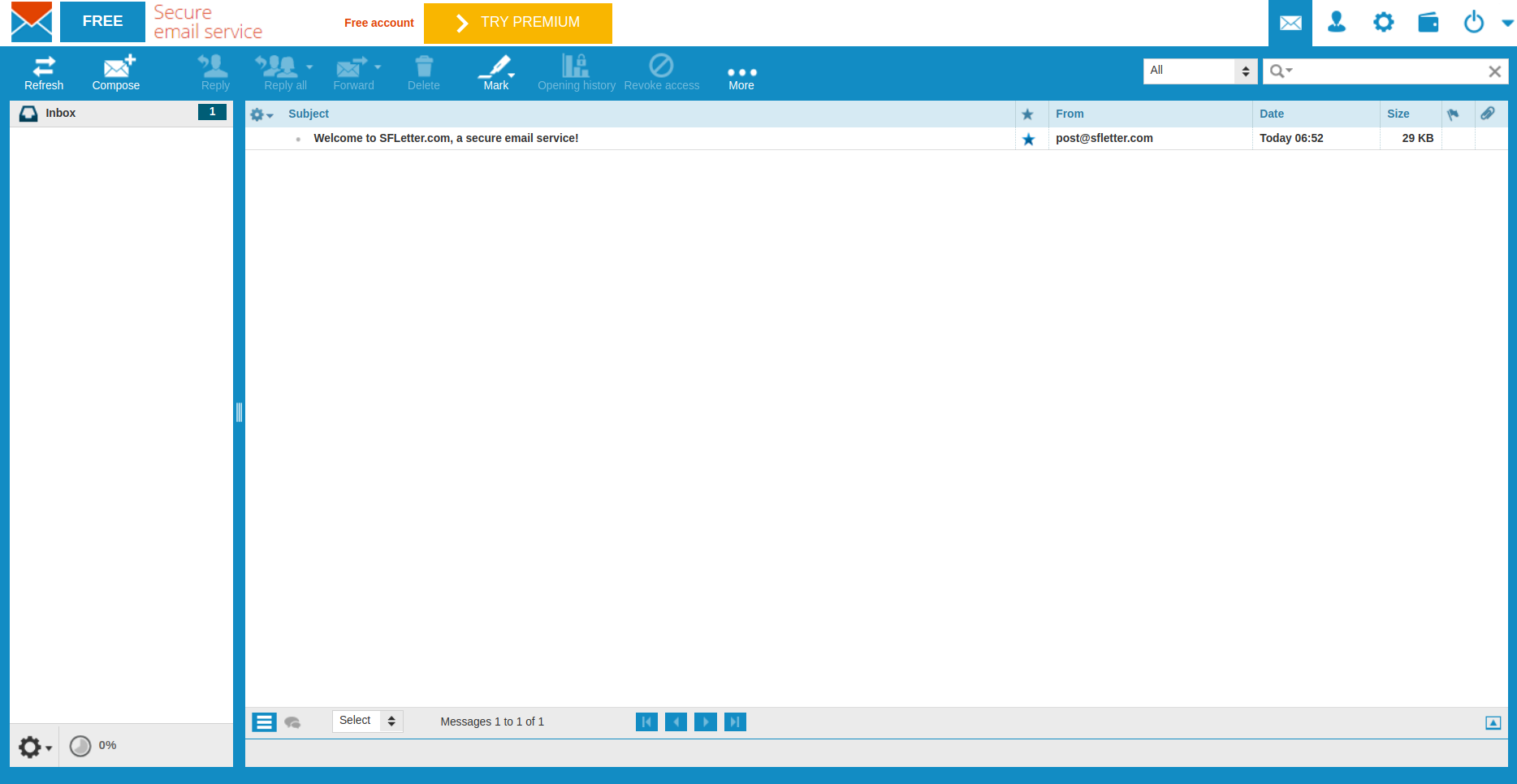
SFLetter的邮箱界面应该就是用的Roundcube。
邮件接收
收邮件跟其它邮箱没什么区别。
邮件发送
免费版是默认保护邮件正文的,但可以选择是否保护附件。对方收到邮件,打开后如下图:
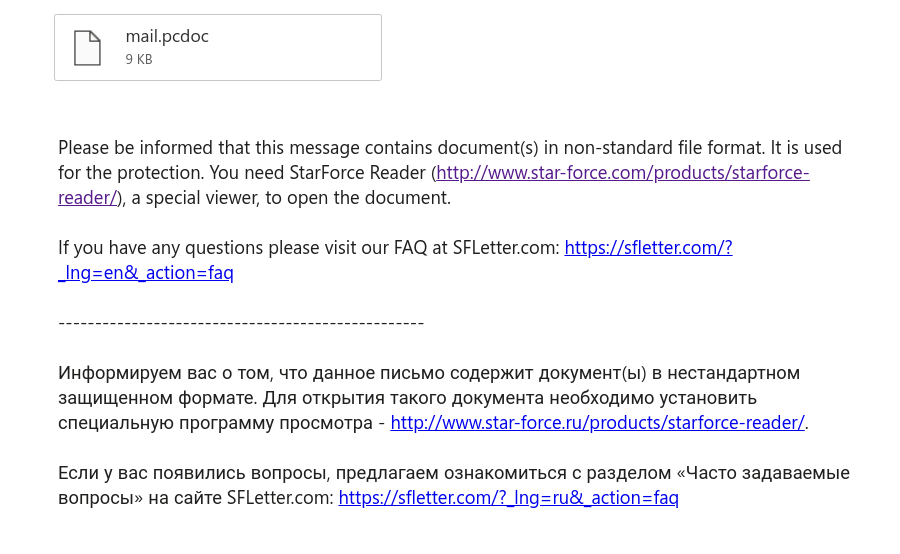
邮件正文为英文和俄文的说明,加密的附件为你所发送的邮件,需要使用SFLetter提供的StarForce Reader客户端才能打开查看。
用其它软件打开会是一段乱码,如下图:
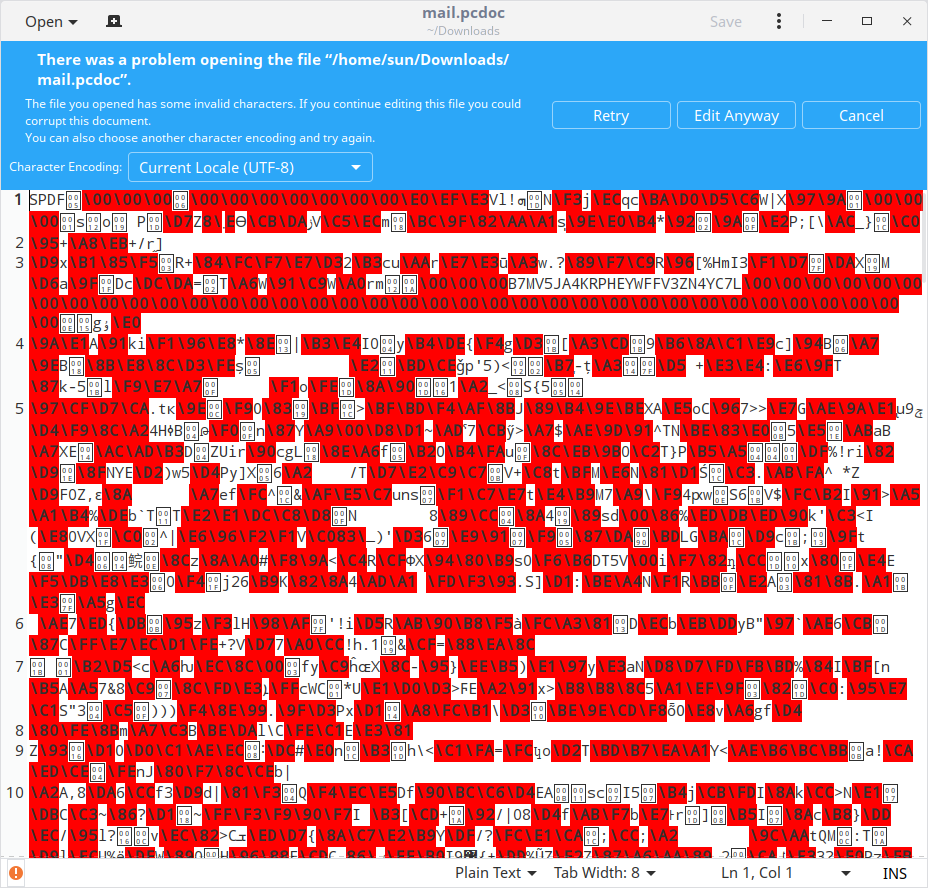
我个人感觉邮箱的后缀还可以,收邮箱跟其它邮箱也没什么区别,但发送邮件需要对方下载软件才能查看不方便,总之没什么卵用。